Solutions
Table ordering, scan-to-order for guests, delivery pricing and vouchers, set up as your own till system and matched to how your floor actually runs.
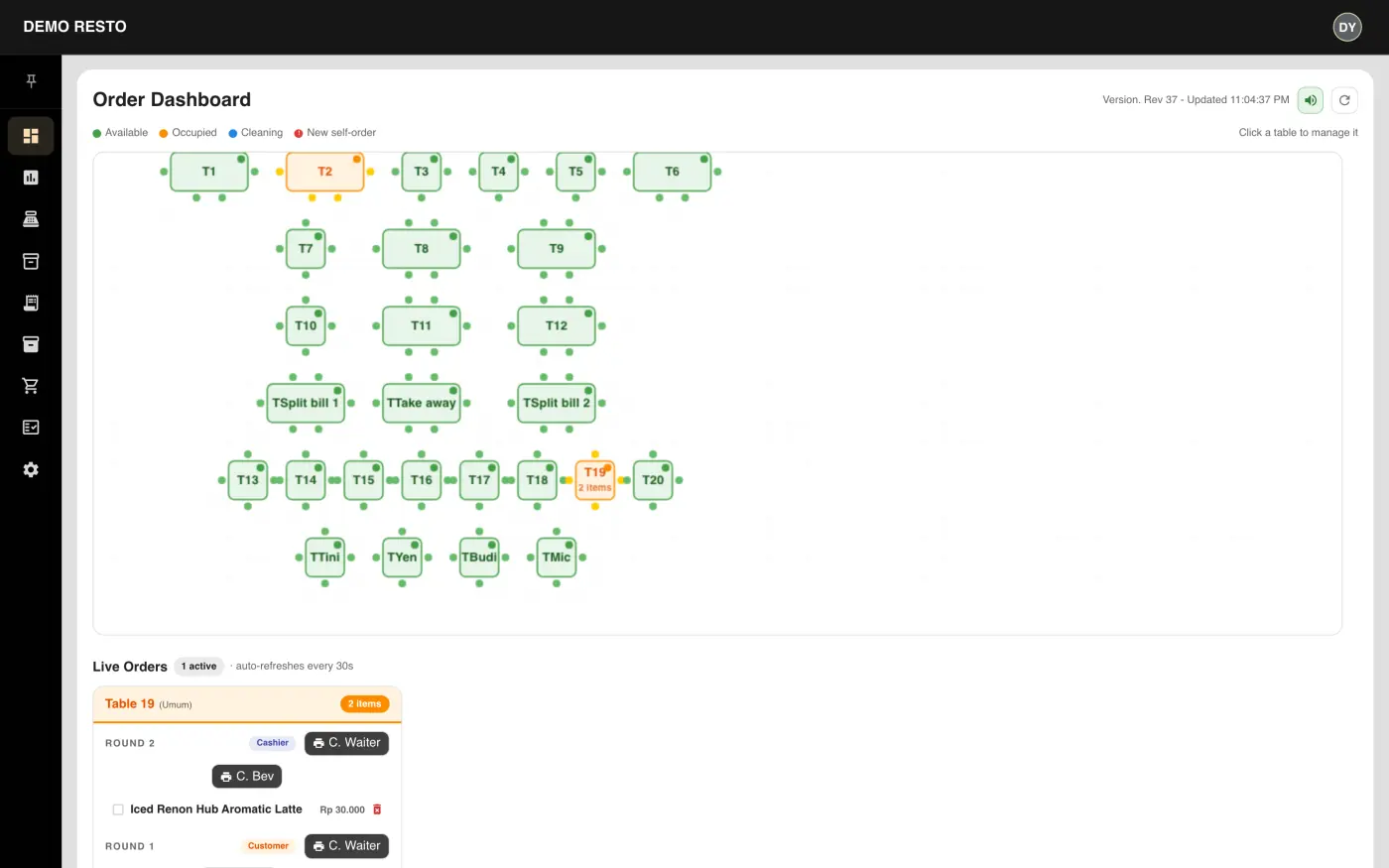
- Live table map
- See which tables are free right now
- Scan to order
- Guests scan the table and order themselves
- Delivery pricing
- Channel prices worked out for you
Order dashboard
Refreshes every 30 seconds
Self-order flow
Scan the table, order in three taps
Guests scan a printed QR code to open the menu, customise items and send the order straight to the kitchen printer. No app to install, no waiting for staff.
Table QR codes
Each table gets its own reprintable code, tied to its live status.
Category-aware menu
À la carte, add-ons, drinks and packages, searchable and photo-led.
Round-based tickets
Orders go to the right printer, kitchen, bar or waiter, by round.
Choose menu
Choose menu
Customise
Note: less spicy, extra sauce…
Customise
Checkout
Checkout
| Voucher | Target | Discount |
|---|---|---|
| STAFF | All segments | 20% |
| OWNER S | All segments | 30% |
| GOOGLE REVIEW | Food | 10% |
| BPR | Food | 40% |
| Item | Base | Delivery A | Delivery B | Marketplace |
|---|---|---|---|---|
| Pineapple Smoothies | 30k | 40.5k | 43.5k | 42k |
| Chicken Dumpling / 3pcs | 15k | 20.5k | 22k | 21k |
| Bottled Beer / pcs | 28k | — | — | — |
Multi-channel pricing & vouchers
One menu, priced right for every channel
Set a base price once, then apply each delivery channel's mark-up automatically. Add segment or category vouchers with usage caps, minimum spend and expiry dates.
Per-channel overrides
Custom pricing per delivery partner, applied only where it is set.
Segment & category vouchers
Staff, owner or promo codes scoped to food, drinks or everything.
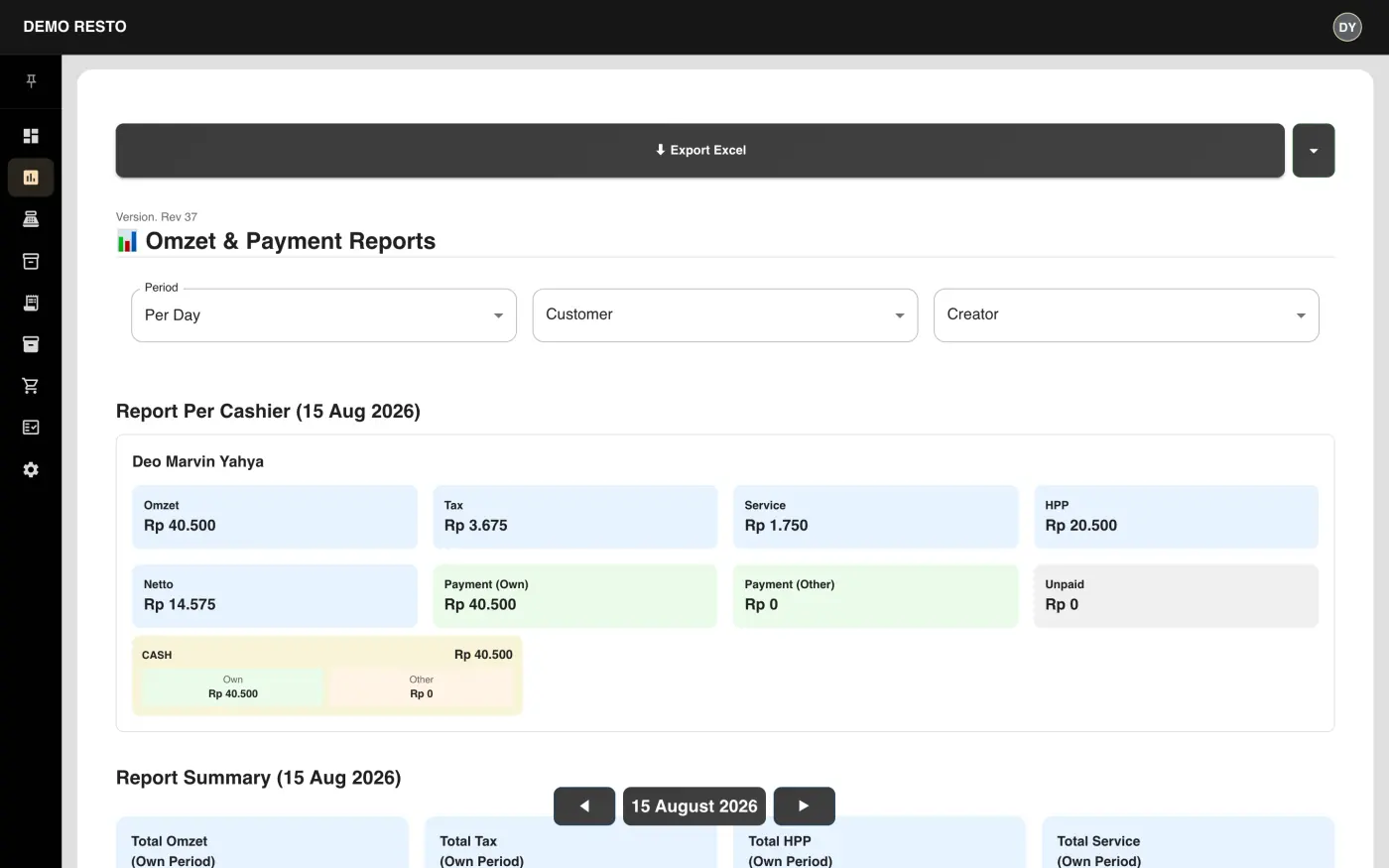
Live cashier reporting
Revenue, tax, service and net breakdowns per cashier, per day.
Point of Sale
Get a quoteLive demo screens
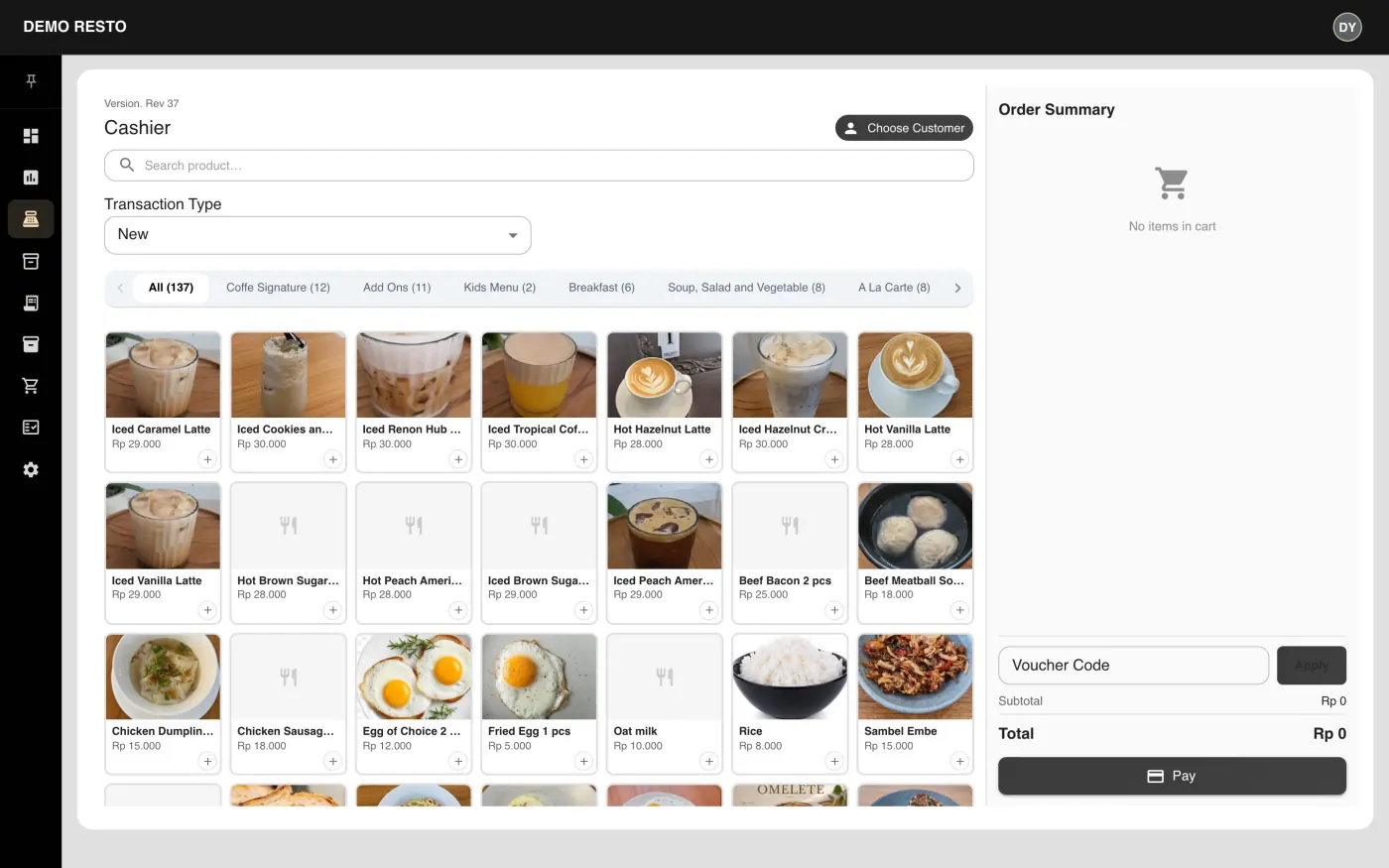
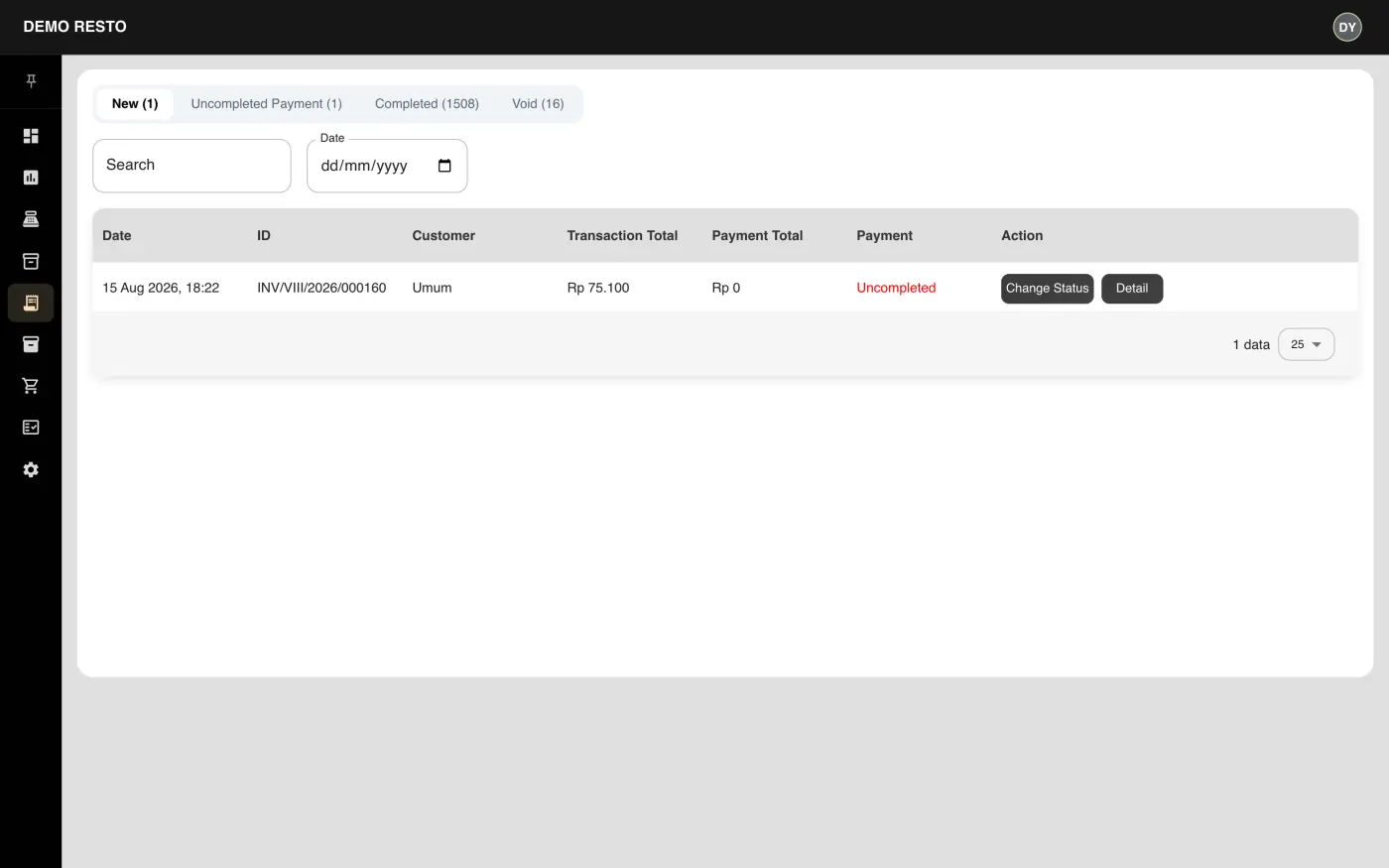
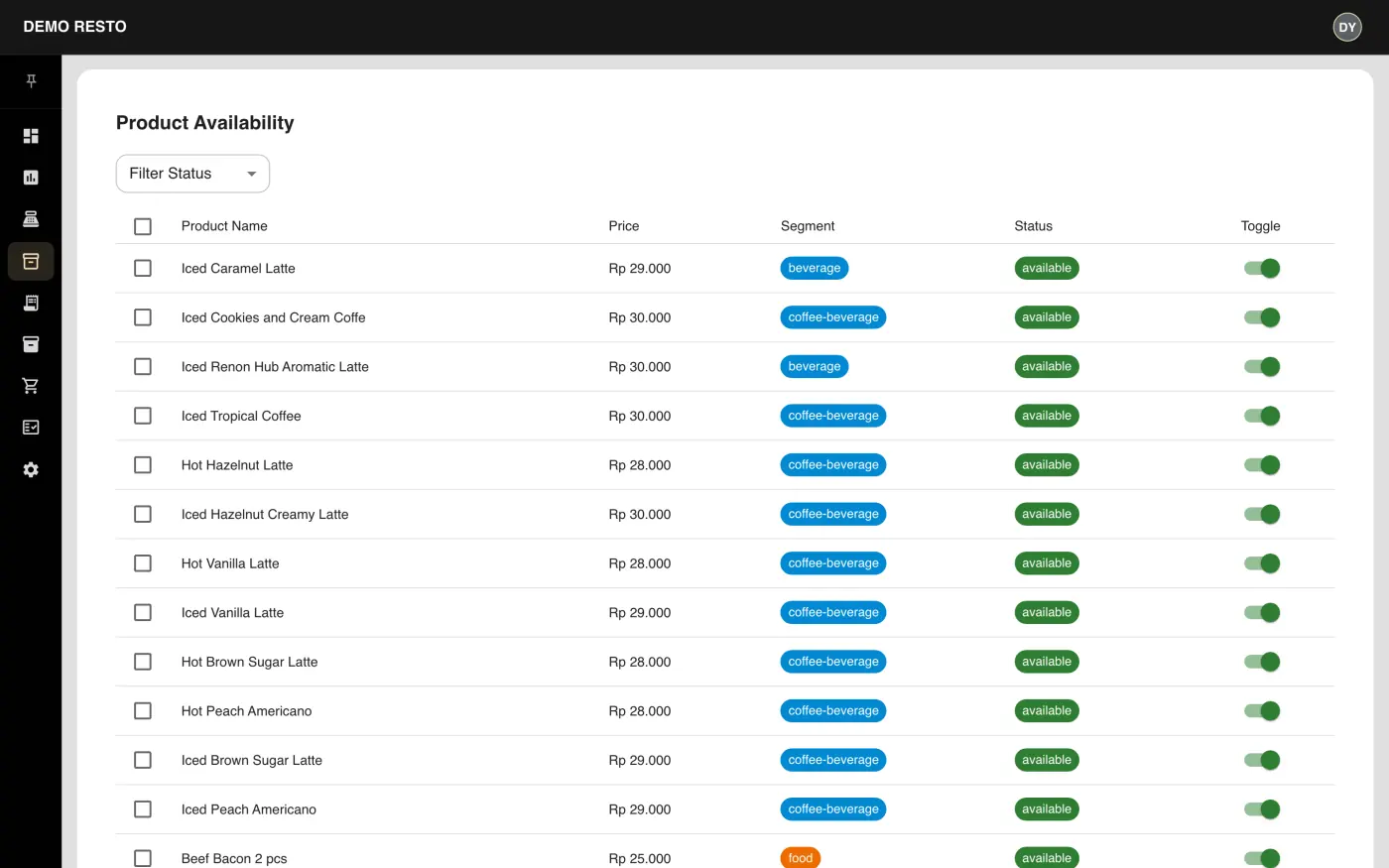
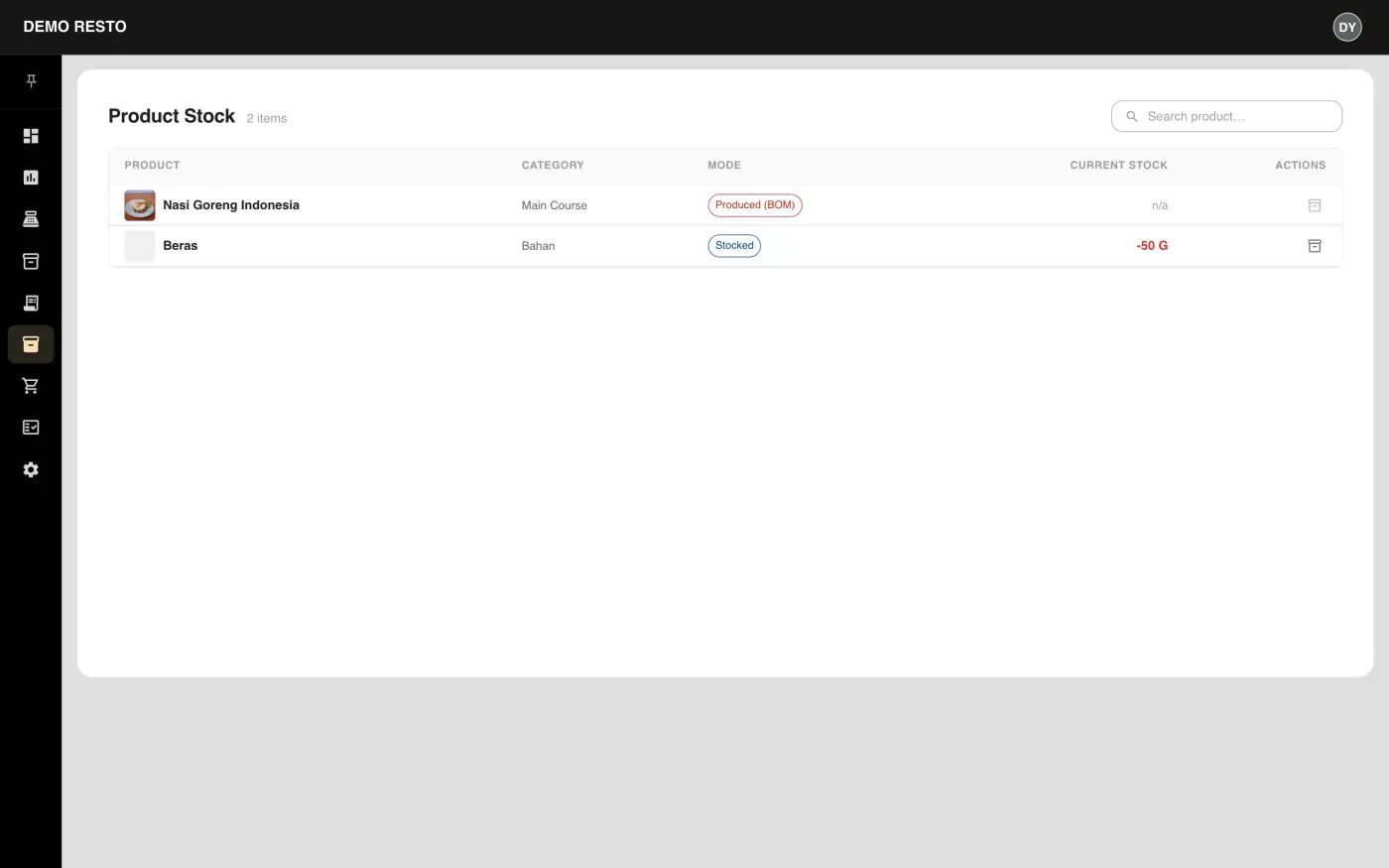
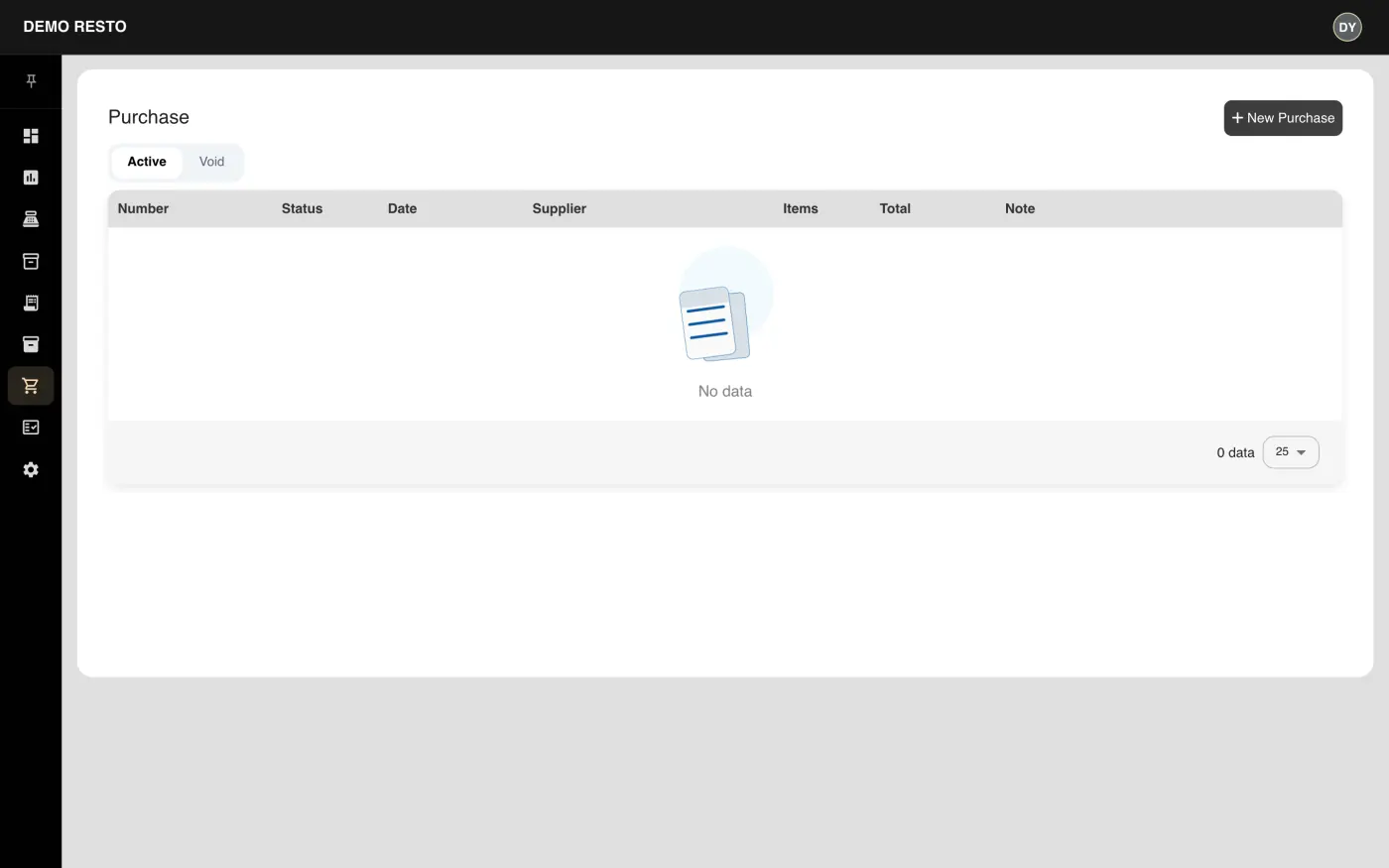
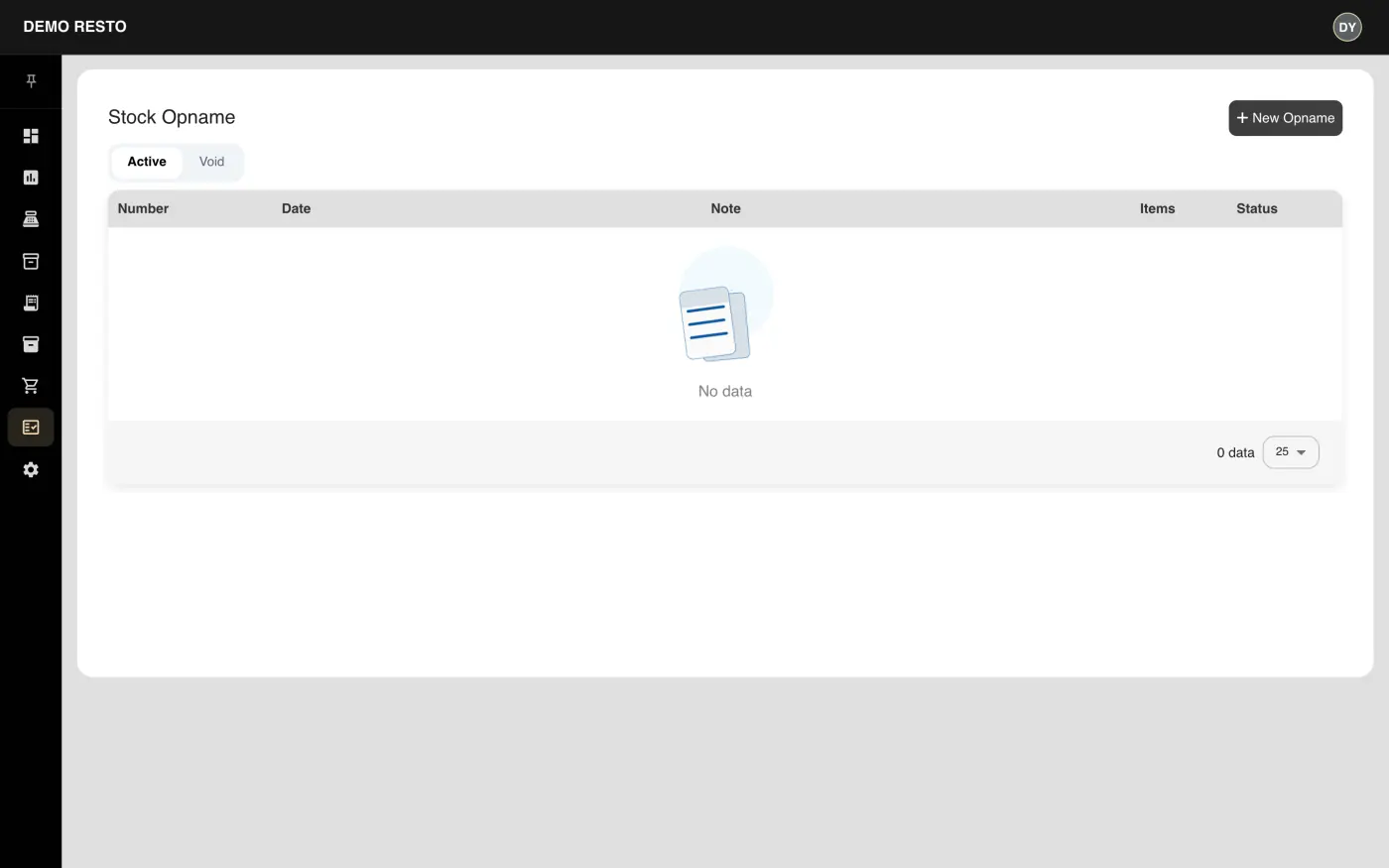
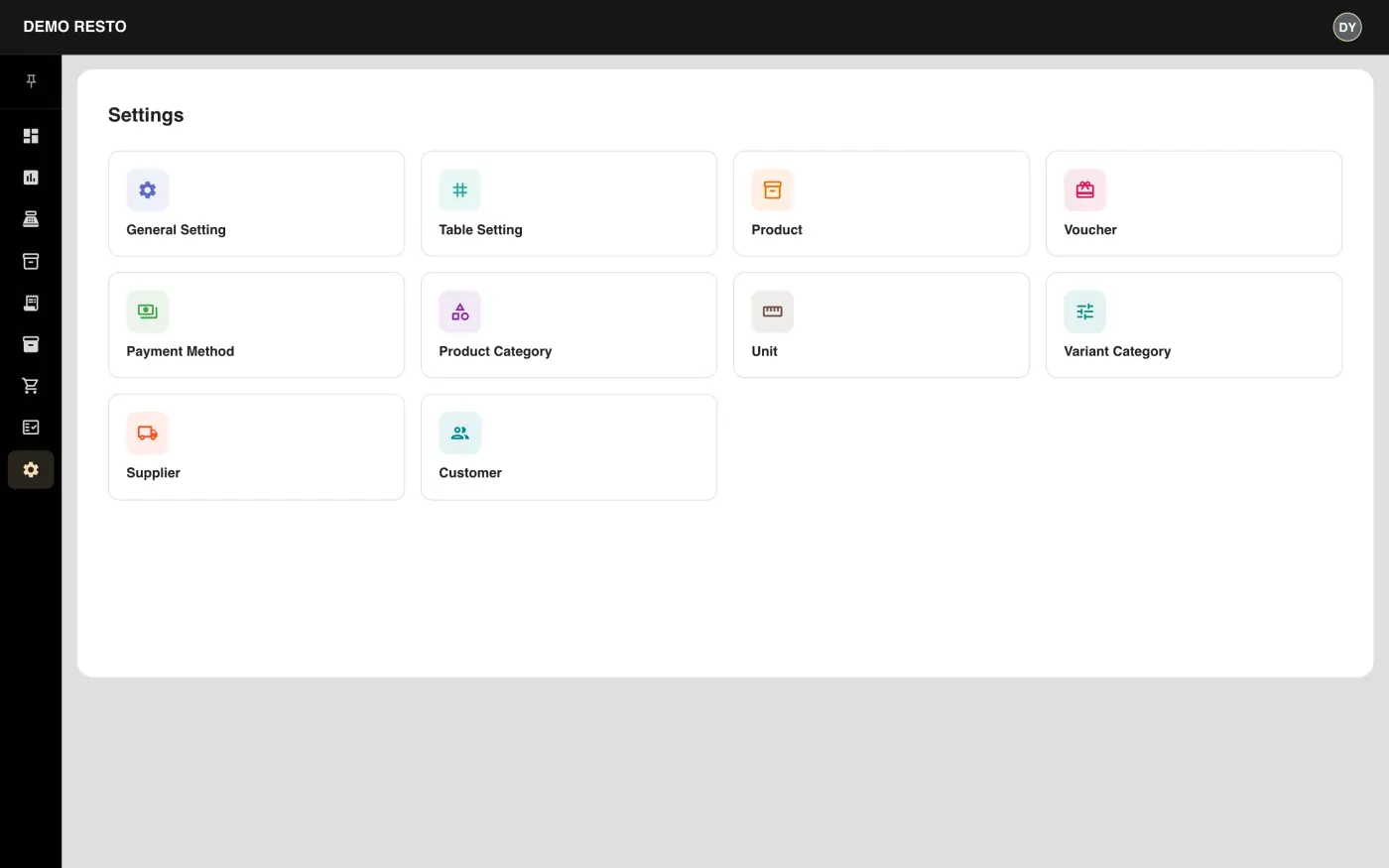
Real screens from the working demo. Sign in yourself with demo / demo123.
Send your table layout, menu and delivery channels. We will map the system to how service actually runs.